Writing with history
Stamp journal entries as you press Enter. Revisit previous versions with Time Travel and Replay.
 InkChron
A personal workspace for writing, learning, and documenting code. Give your ideas room to grow, and preserve how your thinking evolves along the way.
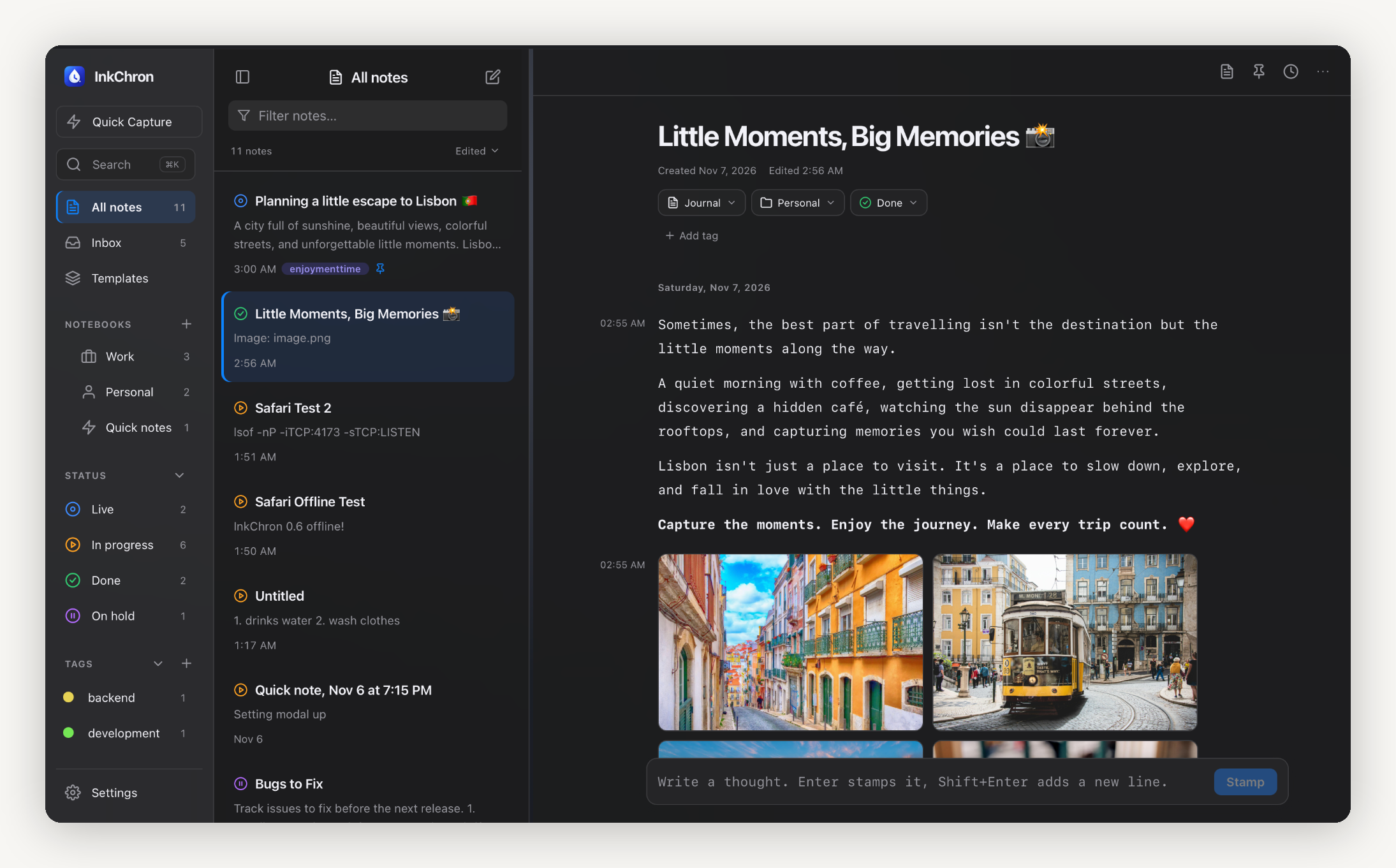
Keep the useful details close. Let your notes grow alongside your understanding, instead of starting over every time.
Stamp journal entries as you press Enter. Revisit previous versions with Time Travel and Replay.
Code Notes with language selection, syntax highlighting, and comments. Explain your thinking with rich-text formatting and highlights.
Keep notebooks, pages, and subpages tidy with custom-colour tags, statuses, and pins. Search notes and writing history.
Option/Alt-click to open two notes side by side. Collapse panels, enter focus mode, and customise themes and editor preferences.
Catch an idea while it’s fresh and organise it later. Stay focused on the thought in front of you.
Your understanding changes. Your notes change with it. InkChron keeps earlier versions close, so you can revisit the first thought, follow changes, and see how your explanation became clearer. Original writing timestamps stay with your thoughts. Use Time Travel to revisit a note at an earlier moment, or Replay to follow its evolution.
See how it feelsAsync lets a program work on other tasks while it waits for an operation to finish.
Useful for network requests, file operations, and other tasks that involve a lot of waiting.
Async code can pause one task and allow another task to run.
Move from focused journal writing to a flexible workspace for technical notes and code.
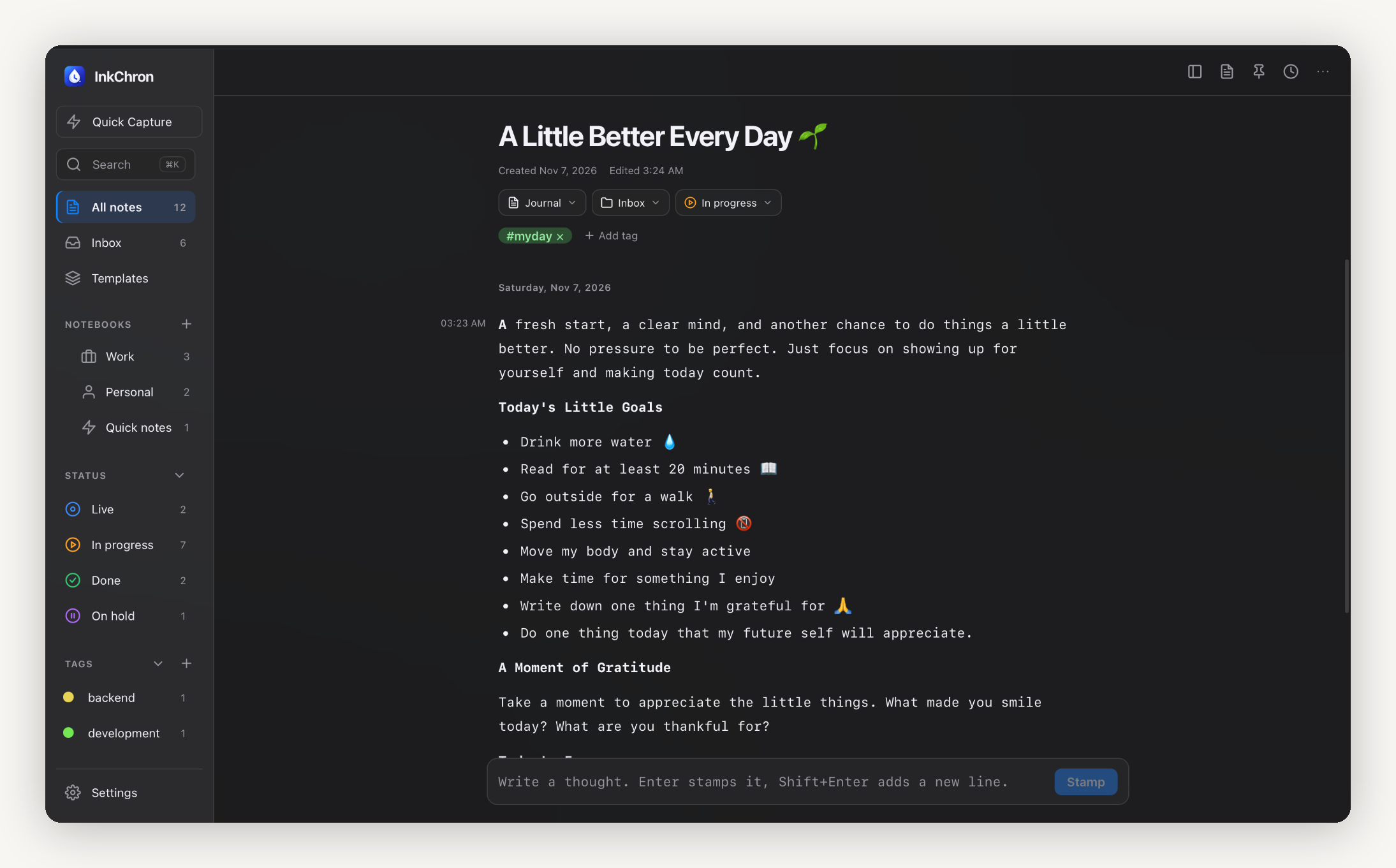
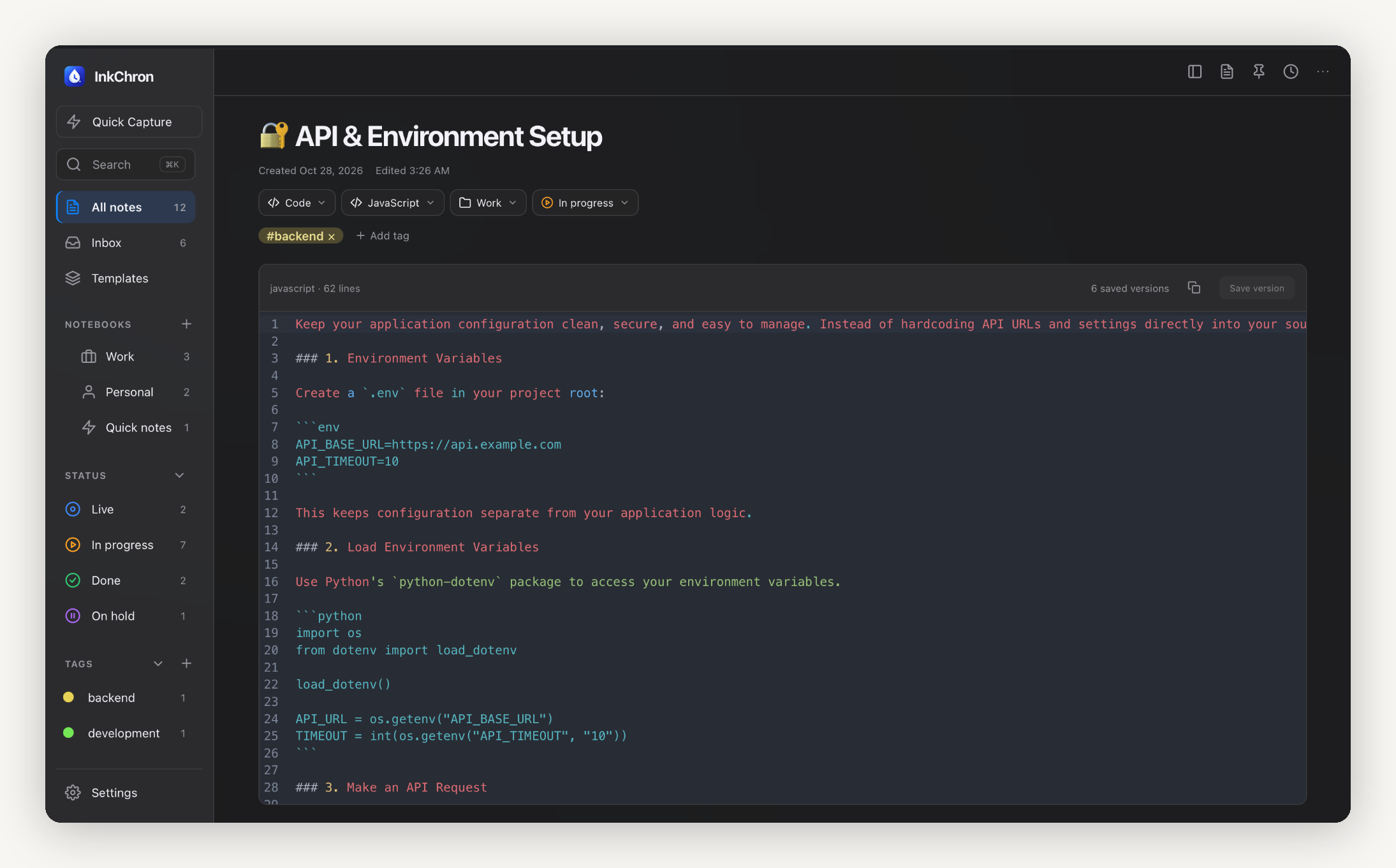
InkChron runs in your browser, with no account required for the current version. Your notes are stored locally in that browser. Export and import backups to move or restore your workspace.
Export notes or notebooks as Markdown, or create a complete backup you can restore in another browser.
Notes do not automatically sync across devices or back up online. Export a backup regularly and keep it somewhere safe.
Your notes are saved separately for each browser and website. Keep regular backups, since clearing site data can erase them.
INKCHRON / A WORKSPACE FOR EVOLVING IDEAS
No account is required for InkChron. The application runs in your browser and stores your notes locally.
Clearing site data may remove your locally stored notes. Export backups regularly; you can import a backup to restore your workspace. Notes are separate in each browser and do not automatically sync.
Export your notes from Notion, then use a file format supported by InkChron’s importer. Choose Markdown or plain text only if your version supports it. This is a file import, not a direct Notion integration or automatic sync; Notion-specific features may not carry over.
Yes. Writing history preserves previous versions and original writing timestamps. Time Travel lets you revisit an earlier moment, and Replay lets you follow how a note evolved.
Technical notes, evolving ideas, and the history in between.